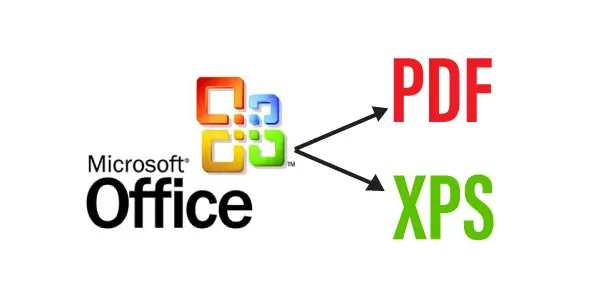
In Office 2010 you can easily convert documents by just going to File, Save & Send, and clicking the option Create PDF/XPS Document which is great, but if you have the previous version of Office you were out of luck. What you may not know is that Microsoft for a long time has made available an Add-in called “Microsoft Save as PDF or XPS”, which allows you add the export and save as PDF or XPS to your Office 2007 documents — best of all, it’s free! Follow the two steps below to add this feature:
Instructions
1. Head over to the Microsoft Download Center, Download and install the Add-in SaveAsPDFandXPS.exe.
2. After the installation, create or open a document, click on File (or the Office logo) and then simply select Save or Publish to PDF or XPS.
That’s all there is to it
The author aabaz has offered the item for free, you can now download it.
DownloadLast update:
Apr 05, 2026 08:08 PM
Published:
Nov 23, 2025 04:12 PM
Category: